
For Everyone Who's Still Renaming Invoices Manually.
Upload your messy PDF and AI automatically splits invoices, crops sideways receipts, and renames every file by vendor, date, and amount.
Try It Here
Use parentheses for placeholders. Available:
(invoice_number), (dd), (mm), (yyyy), (vendor), (amount)Renamed file name: INV12345_06012025.pdf
Sign up to get free 50 pages.
Upload Your Messy PDF, No Need for Sorting
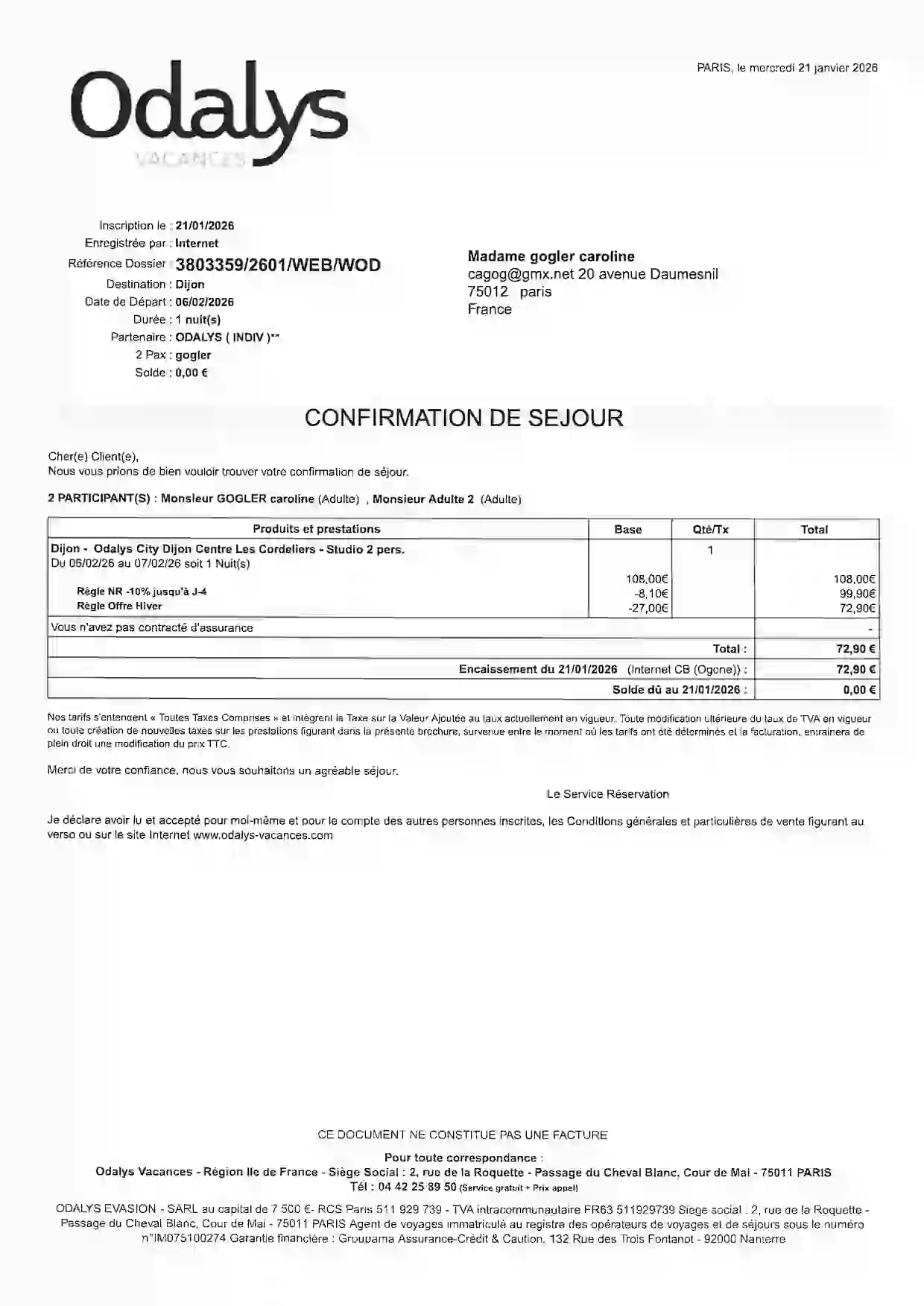
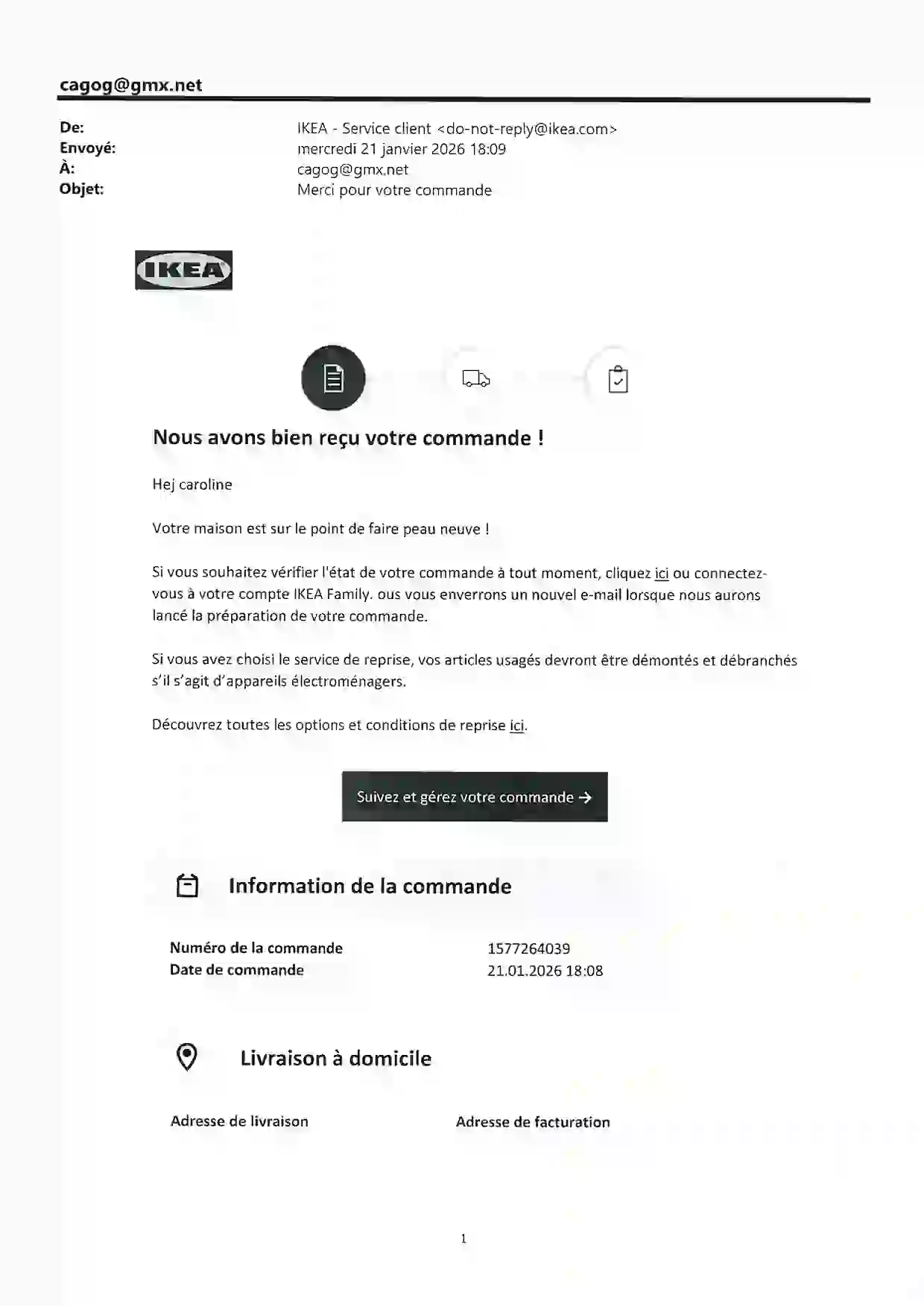
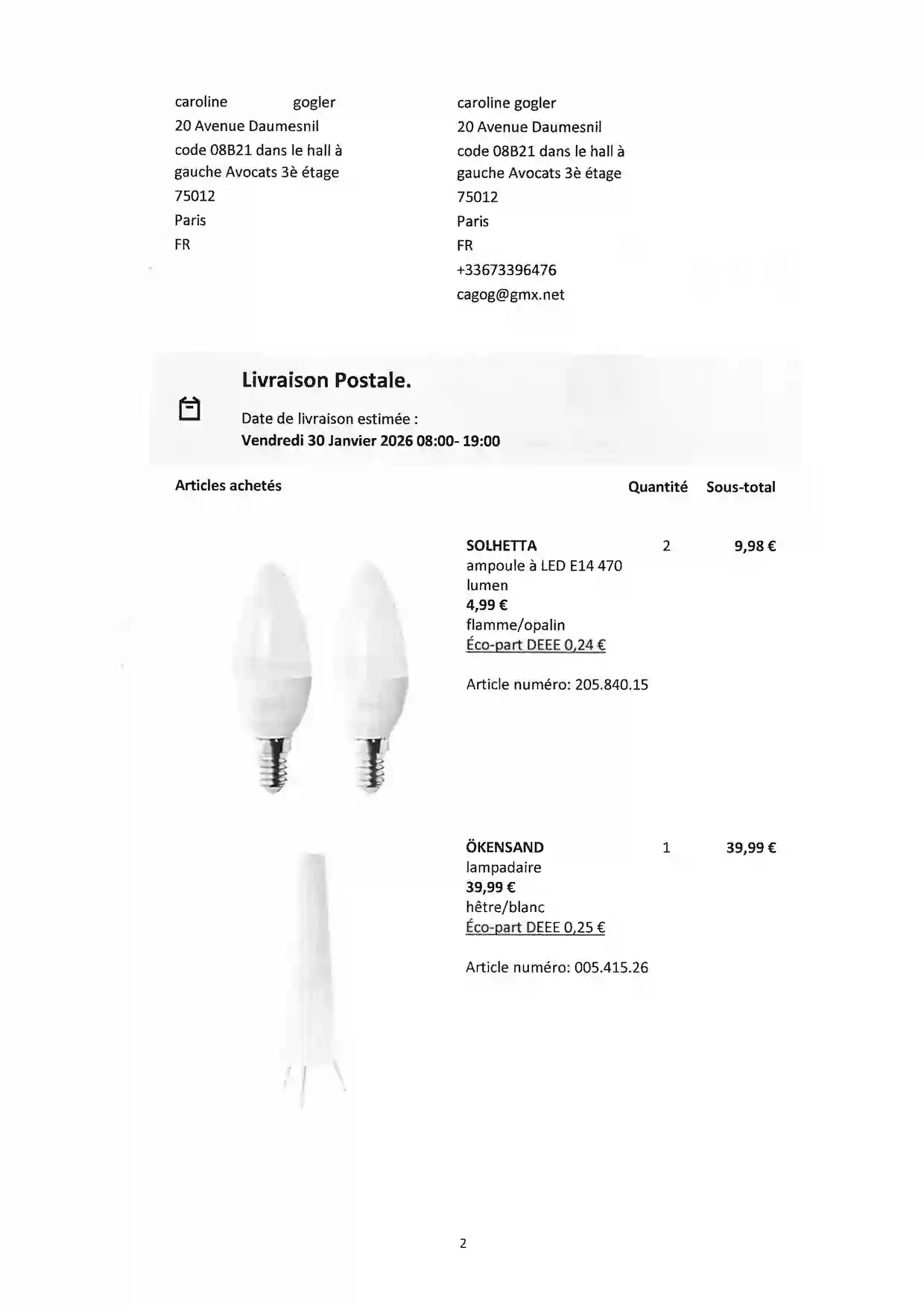
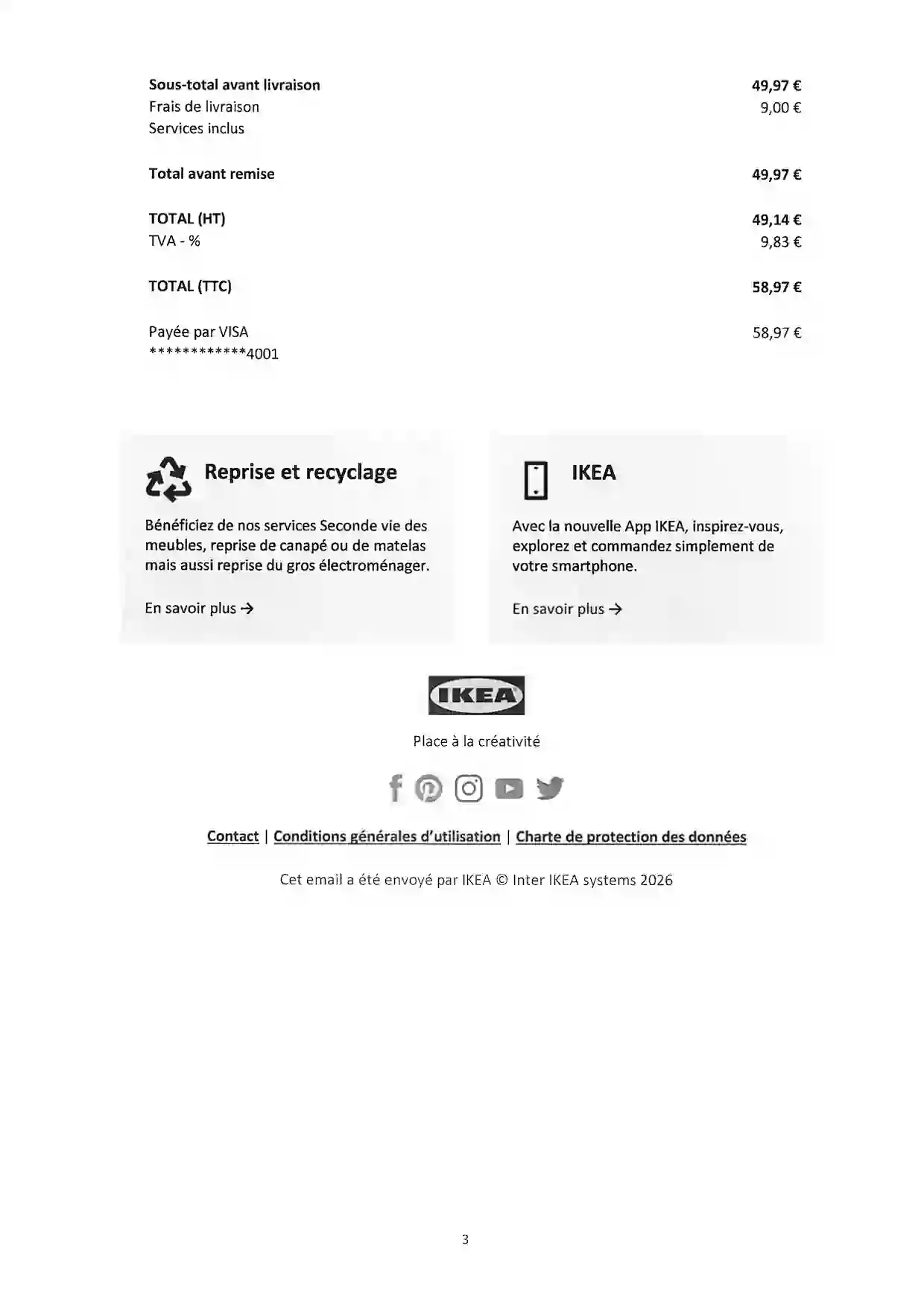
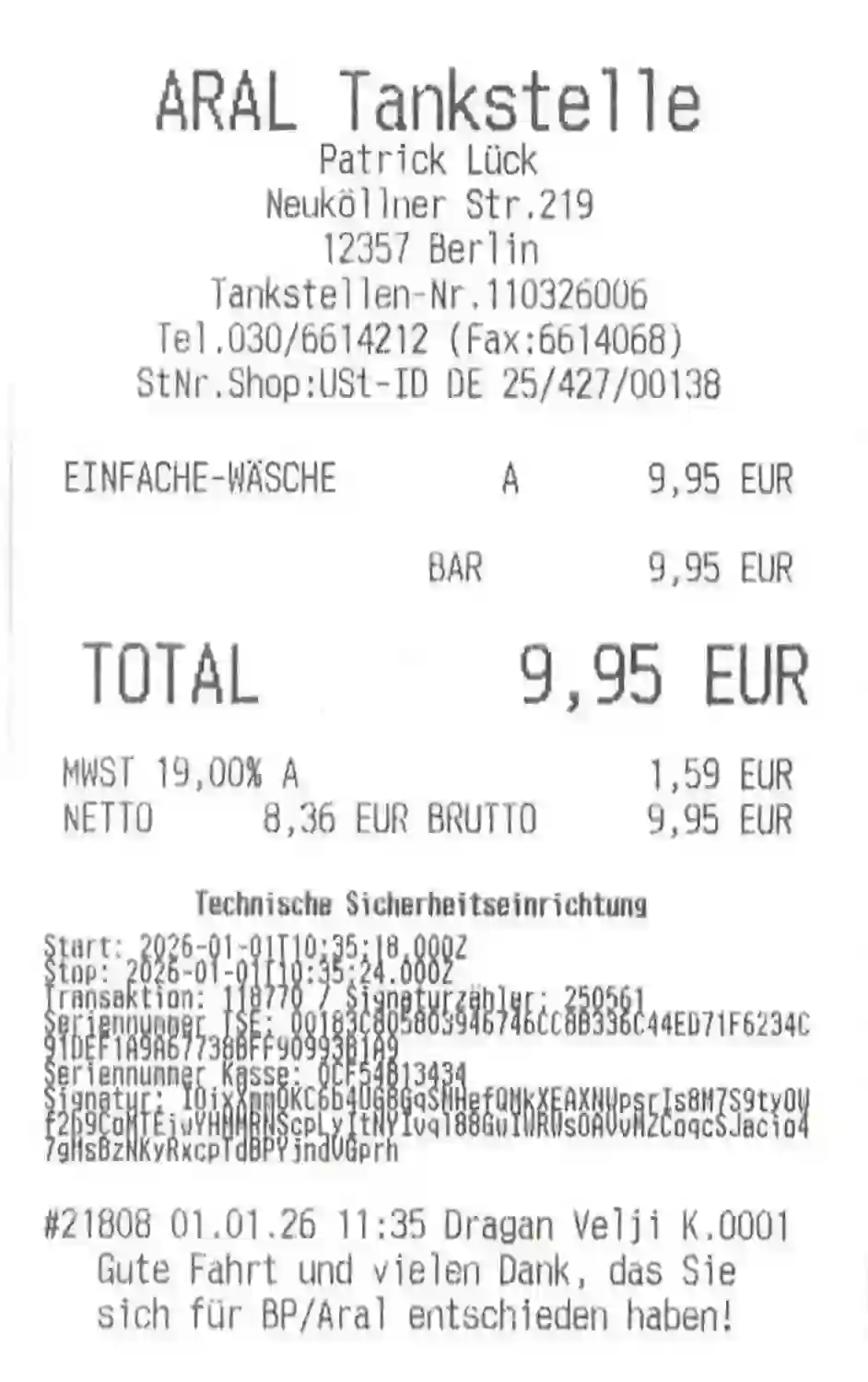
Just drop your bulk pdf. We automatically detect single or multi-page invoices, and single or multiple receipts to give you perfectly sorted files.
1Single-Page Invoices
2Multi-Page Invoices
3Scanned Receipts
4Pages with Multiple Receipts
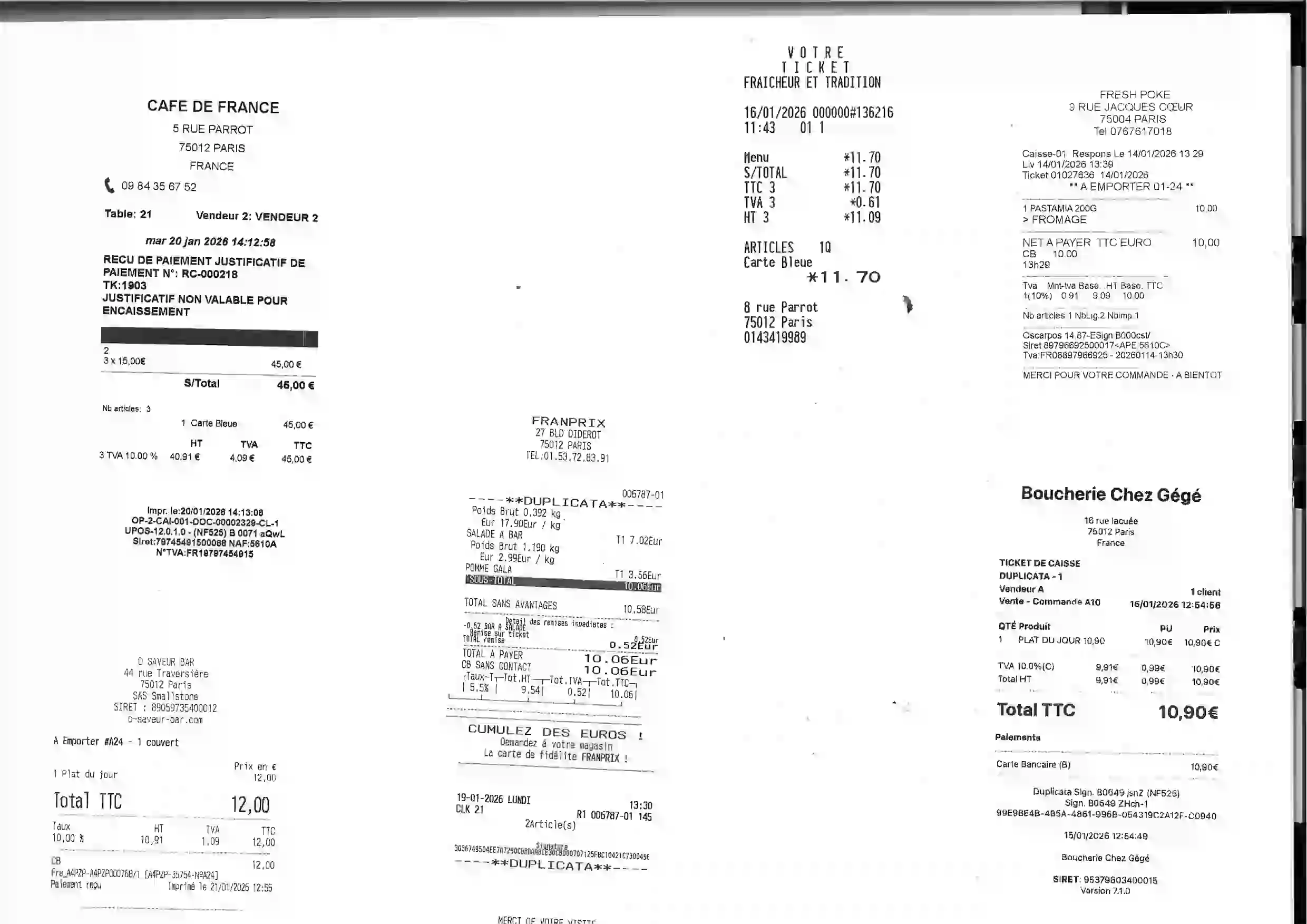

Odalys_72.9_02-06-2026.pdf
Why AP/ AR Analysts & Bookkeepers Love It
Save 5+ Hours/Week
Save hours by skipping manual invoice splitting, cropping receipts and renaming them.
Any Format
Works with single/multiple page invoices and scanned receipts of any format.
Smart AI Splitting
AI detects invoice/receipts boundaries and renames automatically.
Local & Secure
Files are never stored and never used to train AI and automatically deletedd.
Simple & Transparent Pricing
Pick the plan that matches how many invoice pages you handle each month.
Starter
$25 / month
500 pages / month
Pro
$50 / month
1,500 pages / month
Firm
$100 / month
5,000 pages / month
Need higher volumes or custom limits?
Tell us what you need and we'll get back to you with a tailored plan.
Frequently Asked Questions
What is Invoice Splitter?▼
It's a simple web tool that takes your big, messy PDF full of invoices and receipts — and splits it into individual files, each one neatly renamed. The AI figures out where each invoice starts and ends, straightens any sideways receipts, and names every file using the vendor, date, and amount. You just upload and download.
How does it work?▼
Pretty straightforward — you upload your PDF, and our AI reads through every page to figure out where one invoice ends and the next one begins. It groups multi-page invoices together, crops and straightens any sideways receipts, and renames each file using the vendor name, amount, and date. Once it's done, you download everything as a ZIP. The whole thing usually takes under a minute.
Is it free to try?▼
Yes! You can try it right away — no account needed. Guests can process one PDF (up to 5 pages) per day with all features included. If you sign up for a free account, you get 50 pages to use at your own pace. After that, paid plans start at $25/month for 500 pages.
Are my files safe?▼
Absolutely. Your files are never stored on our servers and are never used to train any AI model. The PDF goes securely to Google Cloud just for invoice detection — the actual splitting and renaming happens right in your browser. Everything is automatically deleted after processing. Your data stays yours.
What kind of files can I upload?▼
Right now we work with PDFs — whether they're digital invoices, scanned receipts, or a mix of both. Got receipts that are sideways, rotated, or not scanned perfectly? No problem — we'll automatically crop and straighten them for you.
Who is this built for?▼
If you spend time splitting, cropping, and renaming invoices or receipts by hand — this is for you. We built it for AP/AR analysts, bookkeepers, accountants, and small business owners who deal with batches of invoices regularly. Most of our users tell us they save 5+ hours a week.